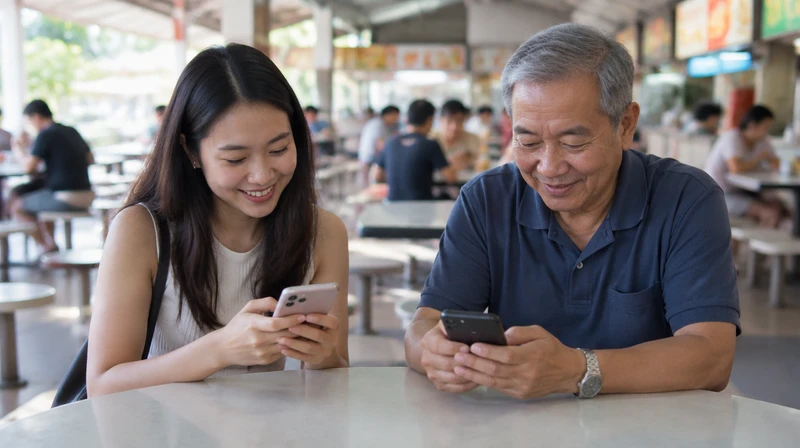
Running low on mobile data while waiting for a friend at the hawker centre? Or just landed and need to look up directions? Singapore's free public Wi-Fi, Wireless@SG, is made for moments like these. Many of us have used it for years, but the setup has changed over time, so here is a refreshed guide for residents, visitors and seniors.
What is Wireless@SG?
Wireless@SG is Singapore's national public Wi-Fi programme, which started in 2006. Operators such as Singtel and StarHub run the hotspots, and venues sign up to host them. According to the Government's reply in Parliament in November 2023, it averaged about 1.8 million unique logins a month from 2018 to 2022, and 98% of those logins were by residents. So it is very much an everyday tool, not just a tourist perk.
Operators say hotspots offer a minimum speed of 5 Mbps. That is fine for messaging, maps, email and light browsing. For long video calls or big downloads, your home broadband or mobile plan will serve you better.
Wireless@SG vs Wireless@SGx: which one should I use?
You will see two network names. Wireless@SGx is the newer one. After a one-time setup, your device joins automatically without asking you to log in each time, and it is the version that the operators and the libraries point you to. Plain Wireless@SG needs a login each time.
How to connect: residents with a local SIM

Credit: InSingapura.com (AI-assisted)
- Download the Wireless@SGx app (available for Android, iOS, Windows and macOS), or follow the official guide at go.gov.sg/wsgx.
- Choose your mobile operator and enter your mobile number.
- Enter the one-time PIN sent to your phone.
- Follow the prompts to install the connection profile. After that, your phone joins Wireless@SGx automatically at hotspots.
No SIM in your tablet or laptop? IMDA also has a non-SIM setup for Android. You verify a mobile number, pick a provider, then add the network in your Wi-Fi settings using the username, password and domain shown.
How to connect: visitors without a local number
Credit: InSingapura.com (AI-assisted)
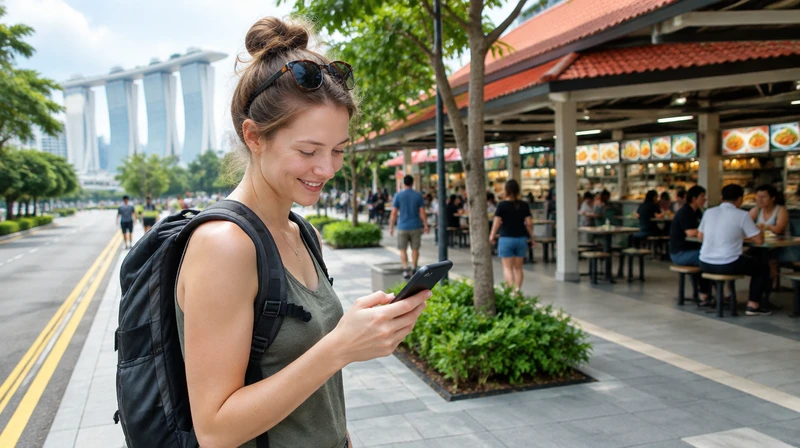
Tourists can still get online. StarHub's guide says to join a Wireless@SG hotspot, enter your mobile number and the verification code shown on screen, then key in the one-time PIN sent to you by SMS.
A visitor guide credited to the former IDA mentions a "Foreign Mobile Number" option and 24 hours of access, but that page is undated, so check the sign-in page for the current session length. Keep roaming switched on so the SMS can reach you.
Where can I find hotspots?
Operators list venues such as cafes, restaurants, shopping malls, community centres, hawker centres and libraries. Some examples:
Public libraries: National Library Building and other NLB branches offer Wireless@SGx for library patrons. Some eResources, like eNewspapers and eMagazines, work only when you are physically in the library.
Public hospitals: Ng Teng Fong General Hospital and Jurong Community Hospital offer free Wireless@SGx for patients and visitors.
MRT stations: guides report coverage at stations, but the connection drops once the train leaves, so don't count on it for the ride.
Malls, cafes and fast-food outlets: many run their own Wi-Fi or Wireless@SG. Some ask for an email or acceptance of terms, and passwords change, so check the mall's website or ask at the counter.
Changi Airport: it has its own free Wi-Fi with its own sign-in. Check the airport's website for current session lengths.
Want to look up a hotspot near you? Our own hotspot list has been refreshed with the latest Wireless@SG sites: https://www.insingapura.com/wifi/hotspot/list/
Using public Wi-Fi safely

Credit: InSingapura.com (AI-assisted)
Free Wi-Fi is convenient, but treat it like a public noticeboard. Government cybersecurity advice for the public is simple and applies here too:
Check that a site starts with https and shows the lock icon before you key in sensitive information.
Remember that official government websites end with .gov.sg.
Switch on two-factor authentication and use long passphrases for your key accounts.
Update your phone and apps promptly so known weaknesses are fixed.
Be wary of messages or calls asking for bank log-ins or money transfers. Not sure? The ScamShield helpline at 1799 is available 24/7.
Many guides also suggest saving banking and card payments for your mobile data or home network, and using a VPN if you handle private work on open Wi-Fi. That is general advice rather than an official rule, so use your own judgement.
For seniors and first-timers

Credit: InSingapura.com (AI-assisted)
IMDA's Seniors Go Digital resources and library staff can help with first-time setup. If the steps feel fiddly, bring your phone to a library or community centre and ask for help. Setting up once is usually all you need.
A few honest caveats
Speeds are shared and vary by venue, so the signal may be weak in big or crowded spaces.
Hotspot lists change as venues join or leave, so a listed spot may not always be live.
Free means free of charge, but it is not a replacement for a private, secure connection.
In a nutshell
Set up Wireless@SGx once, keep your security habits sharp, and you will have a handy backup whenever your data runs low. Know a hotspot we should add to our list? Let us know!