If you have priced a new gaming PC lately, you may have done a double take. A global memory shortage has pushed up the cost of RAM, SSDs and graphics cards, and that is why many Singapore gamers are now browsing second-hand listings instead.
Used parts can stretch a budget, but they also carry risks that new ones do not. This guide covers why prices have jumped, how to decide where your money goes, how to buy safely on online marketplaces, and what to do with your old hardware when you upgrade.
The short version
- IDC data reported by The Straits Times put the average gaming desktop in Singapore at nearly S$1,860 in Q2 2026, about 39% higher than a year earlier.
- Analysts quoted in local reports expect high PC prices through 2027, with meaningful relief more likely in 2028 or later.
- When money is tight, tech writers suggest putting it into the graphics card and enough RAM first.
- Pay through the platform, inspect before you hand over money, and wipe old drives properly before you sell or recycle them.
Why gaming PC prices have jumped
Credit: Atahan Demir / Pexels (Pexels License)
According to IDC figures reported by The Straits Times (via Malay Mail, 13 September 2026), the average gaming desktop in Singapore cost nearly S$1,860 in the second quarter of 2026, up 39% from a year earlier. Regular desktops rose 28% to S$1,410.
The cause is a global shortage of memory, storage and graphics cards. The reports say AI companies expanding data centres are absorbing large amounts of these parts, and manufacturers are shifting memory production towards higher-margin AI use.
Sim Lim Square averages quoted in the same coverage, comparing August 2025 with August 2026:
- 32GB DDR5 RAM kit: S$195 to S$763
- 1TB SSD: S$149 to S$328
- Nvidia 5060-series graphics card: S$572 to S$824
The used market has felt it too. Vulcan Post reported in March 2026 that some resellers are buying old laptops to strip out RAM for resale, and that older devices once worth a few hundred dollars are now worth more. That means second-hand parts are not automatically cheap, so compare prices before you commit.
IDC expects prices to stay elevated through 2027, with only slight easing in the second half, and says meaningful relief is more likely in 2028 or later.
Where to put a tight budget first
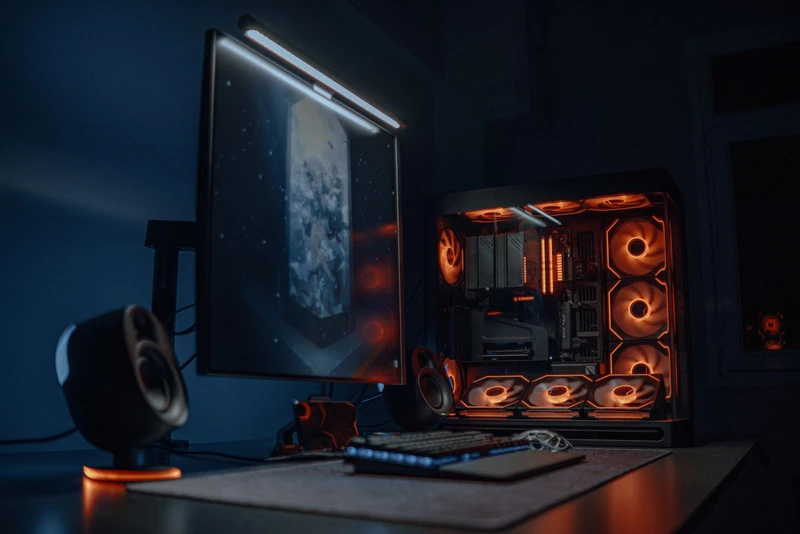
Credit: Atahan Demir / Pexels (Pexels License)
Techgoondu's March 2026 buying guide for Singapore, written when memory prices were already climbing, offers a few sensible rules of thumb:
- Capacity before speed. A slower 32GB kit beats a faster 16GB one, and 16GB is the floor for basic use.
- Gamers should focus on the graphics card. A mid-range CPU and 16GB of RAM can be enough on a budget.
- DDR4 only if your motherboard supports it. DDR4 is cheaper, but most newer PCs use DDR5, so check compatibility before buying older RAM.
- Spend on memory before storage. You can often get by with a smaller drive and move rarely used files elsewhere.
That guide quoted a graphics card at about S$500 in March. Sim Lim Square averages for the same type of card were higher by August, so treat any older price you see online as out of date.
Whatever you buy, check that the parts work together. Case size, power supply capacity and RAM type all need to match your motherboard and graphics card. If you are unsure, ask the seller for the exact model numbers and look them up before paying.
Buying safely on Carousell and other marketplaces
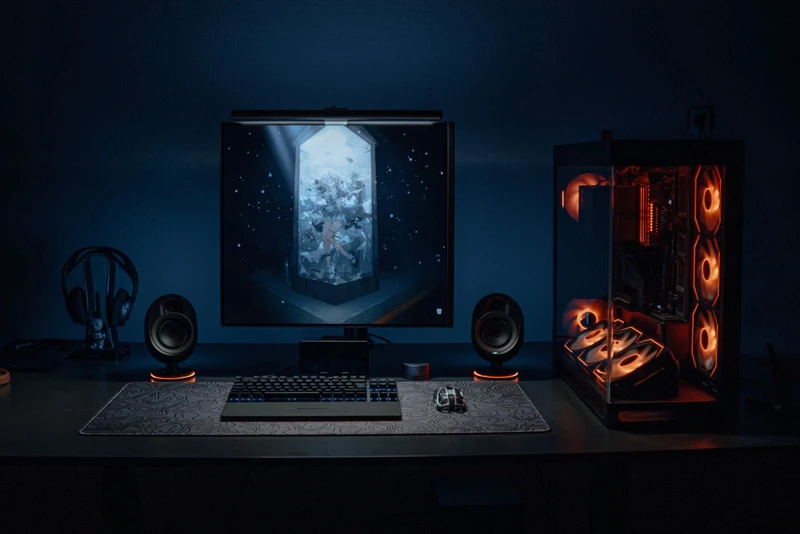
Credit: Atahan Demir / Pexels (Pexels License)
The Ministry of Home Affairs' Carousell page (updated 30 January 2026) says buyers who pay through the platform's Buy button get Buyer Protection if an item does not arrive or is significantly not as described, with payment held while a report is resolved. Carousell also blocks email addresses and website links in chat because of phishing risks, and users with Singpass verification get a blue tick.
The Singapore Police Force's January 2026 advisory on e-commerce scams adds these precautions:
- Use secure payment methods such as cash on delivery so you can inspect the goods before paying.
- Do not pay before you receive or inspect the item, and avoid PayNow or bank transfers for deposits.
- Be wary of big discounts offered for a faster deal.
- Never share internet banking credentials or one-time passwords.
- Report suspicious listings through Carousell's in-app function. If you think you have been scammed, call your bank at once and make a police report.
- Check doubtful messages or links with the ScamShield app or the 24/7 helpline on 1799.
The Competition and Consumer Commission of Singapore (CCS) and the Consumers Association of Singapore (CASE) also advise inspecting goods as soon as they arrive, rejecting anything that does not match the description, and asking your card issuer about a chargeback if the seller or platform offers no redress.
One more point: the Consumer Product Safety Office says used or second-hand general consumer goods are outside its purview. For a used power supply or any mains-powered part, check the plug and voltage suit Singapore, look for visible damage, and check for product recalls.
Before you sell, upgrade or recycle old kit
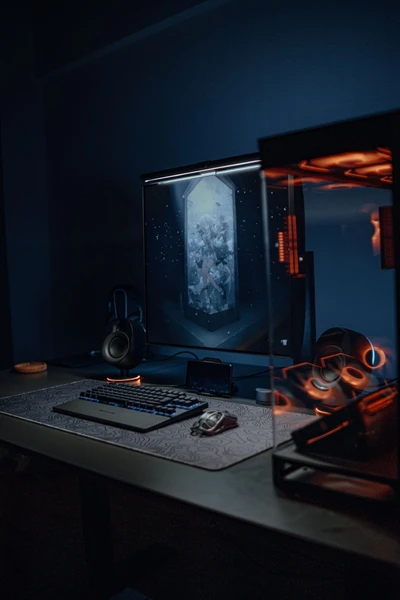
Credit: Atahan Demir / Pexels (Pexels License)
If you are funding an upgrade by selling your old parts, wipe the drives first. In a March 2018 article for organisations, the Personal Data Protection Commission warned that "delete", emptying the recycle bin and "format" do not fully erase data, because it remains until overwritten. It listed secure overwriting software, degaussing and physical destruction as methods. That guidance is aimed at organisations, but the same logic applies to your own photos, documents and saved logins.
A Mothership test in 2017 found that data could still be recovered from drives wiped by shops, using ordinary recovery software. An NUS expert quoted there said overwriting software is the only option that keeps the drive reusable.
When a part is beyond use, NEA's e-waste page says individuals can drop items at the recycling points of voluntary industry programmes:
- ALBA 3-in-1 bins accept ICT equipment, batteries and lamps, as long as the item fits through the slot.
- ALBA holds quarterly collection drives in residential areas, and its depot is at 20 Tuas Loop, Singapore 637350.
- Shell-Metalo, KGS and Virogreen bins take small appliances and power supplies, among other items.
NEA's page also notes that used goods in working condition can be traded or donated at collection centres. Remember to remove batteries from items where required, and check each programme's page for current drop-off locations.