How many online accounts do you have? Banking, shopping, delivery apps, email, streaming, the kids' school portals... Most of us lost count long ago, and the temptation is to reuse the same password everywhere. That is exactly what scammers count on.
This guide explains what a password manager does, what Singapore's cyber and police agencies say about using one, and where a well-known tool like 1Password fits in. It is a practical explainer, not a product review.
The short version
- A password manager stores a unique password for each account, so you only remember one master password.
- Singapore's Police Force and Cyber Security Agency (CSA) advise using a reputable password manager and turning on two-factor authentication (2FA).
- Singpass passkeys are a separate, government-run option for Singpass logins only. They do not replace a password manager for your other accounts.
What the authorities say about password managers
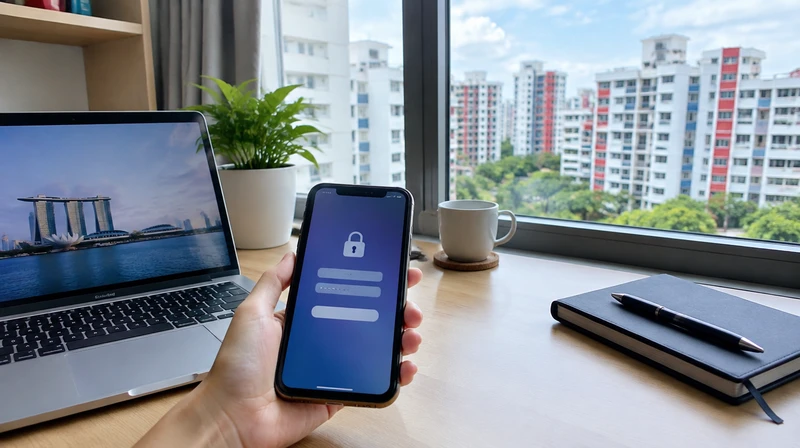
In a May 2025 advisory, the Singapore Police Force and CSA said you should keep a unique password for every account in a reputable password manager, so you only need to remember the master password that unlocks it. They also advise turning on 2FA for the password manager itself, and on every account that offers it.
CSA's cyber tips add a handy rule for that master password: build a passphrase from five unrelated words tied to a personal memory, then mix in capitals, numbers or symbols so it is at least 12 characters long.
If an account is compromised
- Change the password straight away and turn on 2FA.
- Reset any other account that used the same password.
- Contact the platform's service provider if you see suspicious activity.
- If you clicked a phishing link or attachment, run a full scan with updated anti-virus software.
- File a police report at a Neighbourhood Police Post or online at eservices1.police.gov.sg.
Singpass passkeys: a different tool for a different job
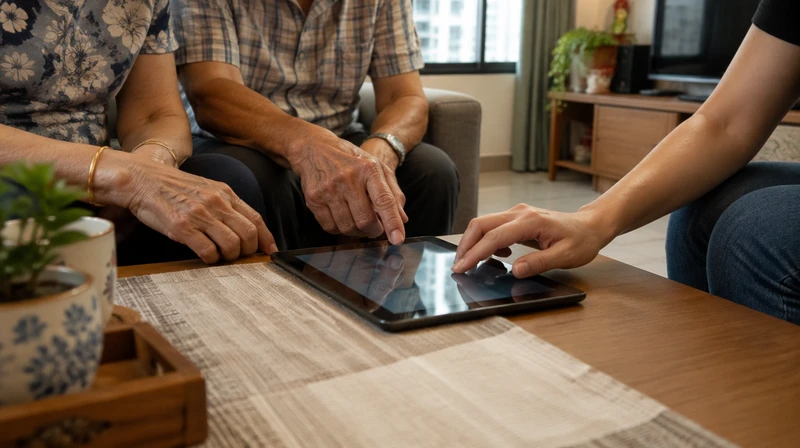
Credit: InSingapura.com (AI-assisted)
Singpass launched passkeys in July 2026, first for iPhone users. According to Malay Mail, GovTech began notifying Android users on 9 September 2026, and laptop and desktop support is planned by the end of 2026. About 800,000 iPhone users had created passkeys by the time of that report.
A passkey lets you log in to Singpass with your face, fingerprint or app passcode. GovTech says it only works on the real Singpass login domain, so it cannot be used on look-alike sites. QR login, Face Verification and SMS OTP remain available as alternatives. To set one up, update the Singpass app and tap the "Create passkey" banner.
Singpass passkeys are stored on your own phone and managed by the Singpass app, rather than synced through the cloud. Computer Weekly reports that this is a deliberate design choice. It also means they cover Singpass only. For your other accounts, a password manager is still how you keep passwords unique.
CSA's advisory on passwordless login says phishing-resistant methods such as passkeys should be prioritised where supported. It also warns that weak account recovery and social engineering can still undermine them.
Where does 1Password fit in?
1Password is one of several password managers. It is a Canadian company, and its vault stores your logins and fills them in for you. It is not the only choice, and Singapore's agencies do not endorse any one product, so compare options before you pick.
One recent announcement may catch your eye. On 22 October 2026, 1Password launched "1Password for Agents", aimed at people who let personal AI agents sign in to accounts for tasks like planning trips or paying recurring bills. According to the company, the credentials stay in your vault, you approve each sign-in on your own device, and the agent never receives the password. The announcement does not give availability dates or pricing, so treat this as news rather than something you can use today.
Before you choose any password manager
- Check the current price and plans on the provider's own website, as these change.
- Use a strong, unique master passphrase and turn on 2FA for the manager itself.
- Make sure you know how account recovery works, because losing a master password can lock you out.
- Never share your master password, OTPs or Singpass details with anyone who contacts you out of the blue.
Getting set up takes an evening, and it can save you a lot of hassle later.