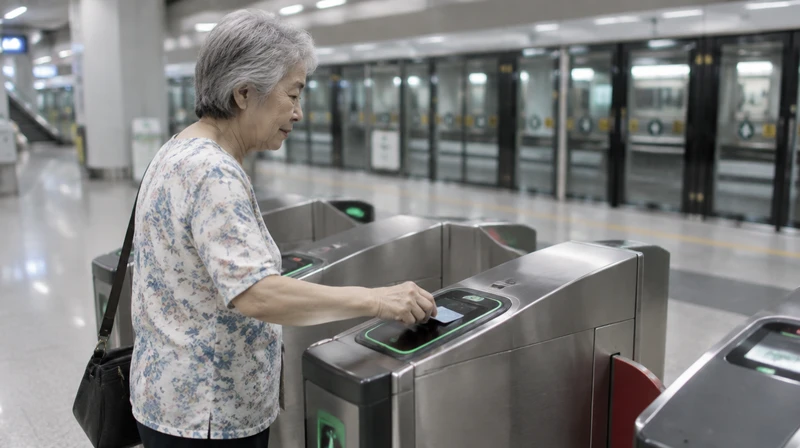
Smartphones make life easier for seniors: video calls with grandchildren, digital payments, bus timings. They also make it easier for scammers to reach people. The good news is that a few simple habits go a long way.
This guide is practical, not scary. It draws on advice from the Singapore Police Force (SPF), the Cyber Security Agency of Singapore (CSA) and a family-focused guide. It is part of our series for seniors.
Three official habits: ADD, CHECK, TELL
The SPF's scam-prevention advisories (including one dated 18 June 2026) promote three steps:
- ADD security features: install the ScamShield app, turn on two-factor or multifactor authentication for banking and set transaction limits.
- CHECK for scam signs: ask questions, and verify with official sources before sending money or sharing details.
- TELL authorities and family: report scams and warn others.
Who to call
If someone has already taken money, contact your bank immediately and report to the Police.
Everyday tips
A Wonderwall guide for protecting elderly relatives (16 January 2026) lists practical rules that families can agree on together:
[c]Never share bank account numbers, NRIC numbers, OTPs, passwords or card details with strangers by phone, email or text.
[c]Hang up on unsolicited tech-support calls, and never allow remote access to a computer or phone.
[c]Do not click links in unexpected messages, even if they look like they come from a bank.
[c]Take your time. Scams use fear and urgency, and it is fine to say no and call back using an official number.
[c]Review credit card and bank statements regularly for small charges you do not recognise.
[n]Do not send money to someone you have only met online.
[n]Do not call numbers displayed in pop-up warnings.
Help from the family

Pre-owned iPads from $129, JK Info Tech
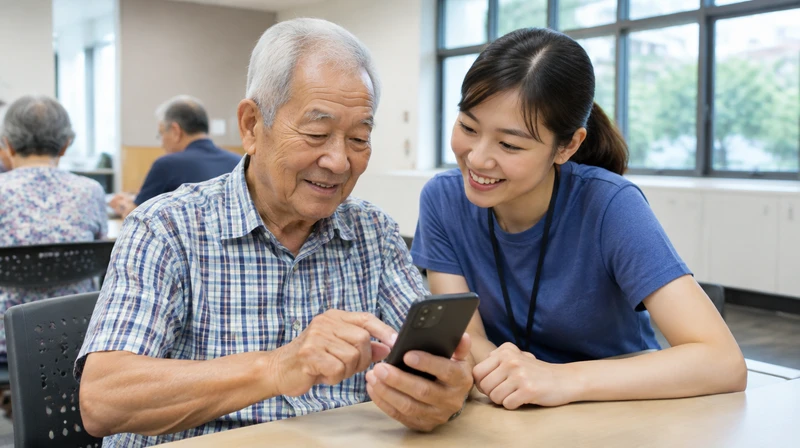
Sit down together and set up the phone: ScamShield, banking alerts and a trusted contact on the account. Be patient and approachable so your parents feel comfortable telling you when something odd happens, instead of feeling embarrassed.
Learning more
The Cyber Security Agency has a Be Cyber Safe handbook, available in English with Chinese, Malay and Tamil versions. For classes on using smartphones and digital services, see , and for other community learning see . If you are caring for a parent at home, our guide has more.
Government agencies will never ask you to transfer money or share banking details by phone. That rule is worth repeating at the dinner table, and see also .